
Workflow playbook
Support leaders6 steps7 toolsAI Support Deflection Workflow
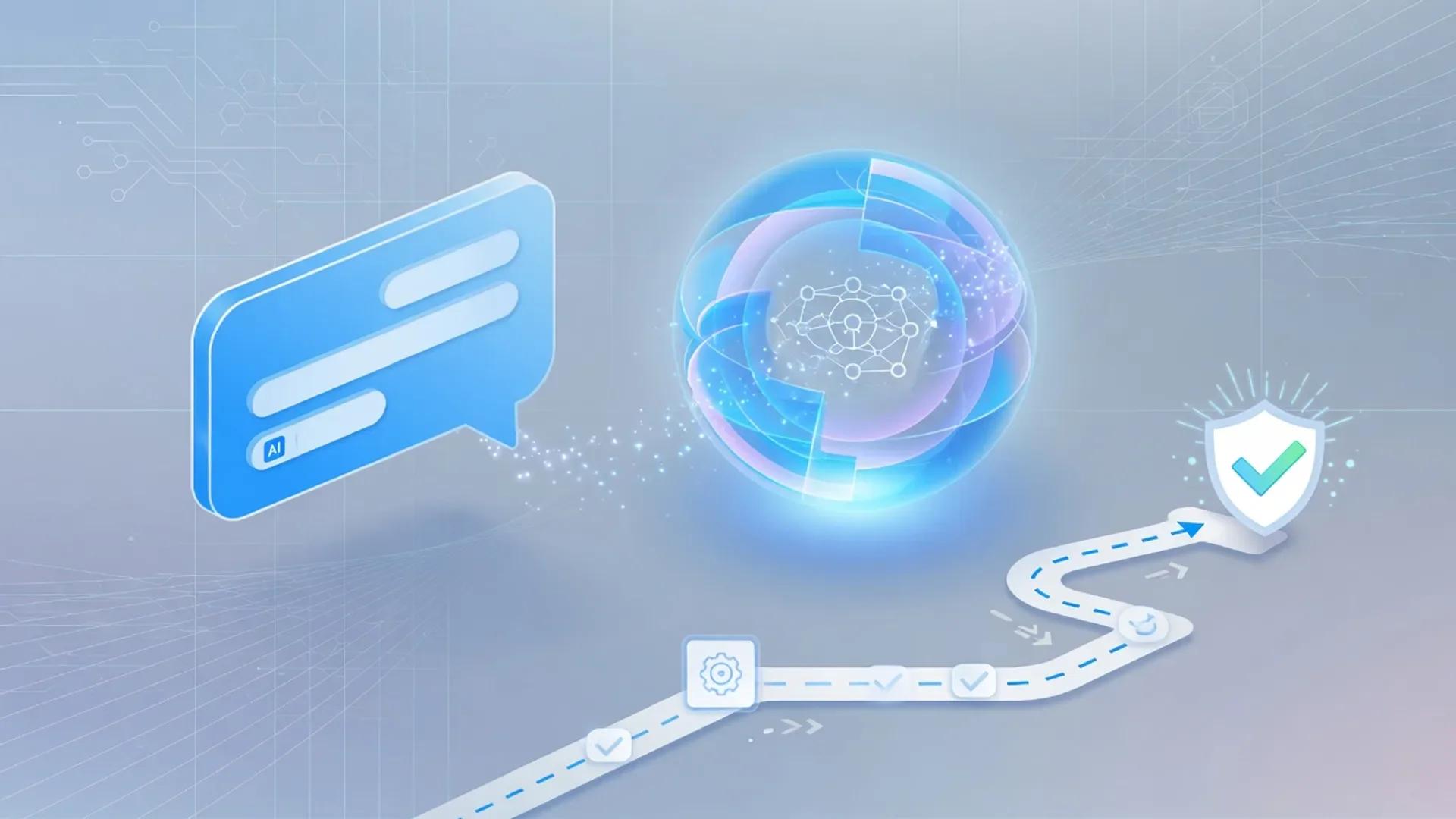
A practical multi-step workflow for support teams rolling out AI customer agents and agent assist—without automating high-risk answers before knowledge, escalation, and quality reviews are ready.
Best for · Support leaders, CX ops, and founders improving deflection quality while protecting customer trust.
Playbook
Steps
Step 1
Inventory ticket categories and risk levels
Export or sample the last 30–90 days of tickets. Tag categories by volume and risk (billing changes, security, medical or legal claims, refunds). Only low-risk, high-volume categories are automation candidates in the first pilot.
Step 3
Configure the customer agent with guardrails
Connect knowledge sources, set tone, define escalation triggers, and test procedures for safe actions only. Require human handoff when confidence is low or the category is restricted.
Step 4
Run a supervised pilot on one channel
Launch on a single channel or segment. Review transcripts daily. Track true resolution quality and CSAT, not only deflection rate. Disable categories that produce wrong answers quickly.
Step 5
Add agent assist for complex queues
For tickets that stay with humans, use AI to draft replies, summarize threads, and suggest macros—while agents own final sends on anything customer-commitment related.
Step 6
Measure, retrain knowledge, and expand carefully
Compare automated resolution quality, reopen rates, and handle time. Feed failures back into articles and procedures. Expand category by category only when metrics stay healthy.


Notes
Details
Why this workflow exists
AI support deflection is what happens when an AI customer agent answers and closes a ticket without handing it to a human. The trap is treating that percentage as the only success metric, because customers notice wrong answers faster than they notice cost savings. I’m writing this because I have watched well-funded support teams celebrate an 80% deflection number for a quarter, then watch their CSAT, reopen rate, and refund volume collapse two quarters later.
The job of this workflow is to ship deflection the way you would ship a product: a narrow pilot, real metrics, continuous knowledge investment, and humans holding the pen on everything that creates a customer commitment. The tools are interchangeable; the operating system is not. If you have read the customer support AI workflow on aiuncovers, think of this page as the deflection-specific drill-down for teams ready to let an agent own conversations end to end.
Related reading: Intercom Fin vs Zendesk AI, best AI customer support tools, customer support AI workflow.
What “AI support deflection” means in 2026
Deflection in AI customer support is any contact where the AI fully resolves the customer’s intent without a human sending the final binding answer. In 2026 that means one of three things actually happened: the customer self-served, the AI customer agent answered and the customer confirmed or moved on, or the AI executed a Procedure (a multi-step workflow with real actions and side effects) that ended in a clean handoff to a human for sign-off.
Resolution is not the same as deflection. A deflection rate can be high while resolution quality is low if the AI confidently gives wrong answers that customers give up on. Resolution rate is the share of AI-involved conversations the AI actually solved without a human, and automation rate is involvement multiplied by resolution. Fin’s own FAQ on the outcomes model is explicit about that chain . The honest playbook uses deflection sparingly, treats resolution as the headline, and watches escalation as a feature.
If a customer leaves after Fin’s answer without asking for more help, that’s an “Assumed Resolution” and Fin bills it. If Fin detects frustration and hands off, that escalation is not billable. The boundary is engineered, not accidental — read it before you sign.
— Adapted from Fin’s outcomes help article .
Operating principles
- Risk before volume. High-volume refunds are not automatically good automation candidates.
- Knowledge before models. Stale articles produce confident nonsense.
- CSAT and reopen rates over vanity deflection.
- Escalation is a feature, not a failure.
- Agents own promises. AI drafts; humans send commitments.
How I tier ticket categories for automation
Risk tiering is the practice of sorting every support category into a low-, medium-, or high-risk band and only letting an AI agent automate the low band first. I do this by writing each ticket category on a sticky note and asking three yes-or-no questions: does answering this wrongly cost money we cannot recover, does it touch regulated data, and does the customer need a human to feel heard?
A practical four-tier framework I keep coming back to:
| Tier | Example categories | AI customer agent policy | Required guardrails |
|---|---|---|---|
| T1 Low risk, high volume | “Where is my order?”, “How do I reset my password?”, “What does this plan include?” | Safe to automate end-to-end after a supervised pilot | Knowledge sourcing only; no account mutations; reply recommendations allowed |
| T2 Low risk, low volume | “Do you ship to my country?”, store-hour variants | Automate but require weekly quality sampling | Confident-answer threshold; citation in every reply |
| T3 Medium risk, high volume | subscription changes, billing disputes, refund requests within policy | Automate only inside a Procedure with explicit guardrails | Soft policy caps, deterministic rules, “Ask a teammate” injection points |
| T4 High risk, any volume | security incidents, medical or legal claims, chargebacks, custom-contract billing | Human-owned; agent only drafts and summarizes | Hard escalation on every contact; agent assist only |
The point of a tiered table is that it kills a dozen arguments in one meeting. The T1 band is where Fin, Zendesk AI, and HubSpot’s Customer Agent earn their keep. T4 is where agent assist earns its keep, and where AI customer agents should not be sending binding answers at all.
Vendor documentation now supports this split. Fin’s Procedures page calls out human-in-the-loop handoffs for complex flows . Zendesk’s AI agents landing page emphasizes “self-improving” agents with built-in QA so you can audit every interaction .
Why knowledge quality is the real bottleneck
Knowledge hygiene is the condition where the help content an AI agent reads is current, deduplicated, and accurate to current product behavior. Most AI pilot failures I have seen in 2026 are knowledge failures wearing a model costume. The AI confidently answers a question the article technically covers — and then is wrong because the policy changed or the feature was renamed.
The fix is not a better prompt. The fix is a knowledge owner, an editorial cadence, and an explicit “out of scope” list. Fin’s documentation actively recommends filling content gaps before optimizing resolution rate .
HubSpot’s customer agent knowledge base article makes the same point in different words: the agent answers only from sources you sync, which means every stale row in your help center is now a candidate for a customer-facing hallucination and the segment where your sample of transcripts is small enough to audit every day. 8. Watch every transcript for week one. Not sampled — every one. Tag by intent, risk tier, and outcome. Build a failure list in a shared doc. 9. Track quality, not volume. Report CSAT, reopen rate within 7 days, escalation rate, and P95 handle time. Treat deflection rate as a lagging indicator. 10. Expand category by category. Only after the new category passes the same quality bar. Never flip a switch and call it progress.
If you cannot write down a one-page policy, you are not ready for step one. If you cannot run a Simulation library, you are not ready for step five. The workflow is not slow; it is just honest.
Practical pilot and QA templates
These are copy-paste frames I share with teams who want to start immediately. Adapt the fields; do not skip them.
Example — pilot scope memo (template)
Pilot name:
Channels covered:
Customer segments included:
Categories automated (T1 only):
Categories explicitly excluded (T3/T4):
Knowledge sources connected:
Confidence threshold for clean answer:
Confidence threshold for escalation:
Escalation rule examples:
 - Customer asks for a human at any point
 - Topic hits a T3/T4 keyword
 - Sentiment signals frustration
 - Confidence below X for two consecutive turns
Daily reviewer:
Review cadence:
Stop-the-line conditions:
Example — QA scorecard (template)
Use on a minimum of 5% of resolved conversations per week, stratified across categories.
Conversation ID:
Category:
Was the answer accurate to current policy? Y / N
Did the answer cite the right source? Y / N
Did the agent honor escalation triggers? Y / N
Was the tone on-brand? Y / N
Did the customer have to ask the same question twice? Y / N
Reopen within 7 days? Y / N
Reviewer action: none / fix KB / tune prompt / escalate
These two templates are deliberately short. If you cannot fill them in five minutes per conversation, you are sampling too much or scoring too subjectively. Score repeatedly; calibrate monthly.
Comparing the deflection-first platforms
This is not the full buyer matrix. It is the part of the matrix that matters when the goal is deflection rather than pure assist. I am summarizing what each vendor’s live product pages publish right now, accessed 2026-08-02 .
Treat it as orientation, not a procurement matrix.
| Platform | How it prices deflection | Where the helpdesk lives | Notable control features I look at |
|---|---|---|---|
| Intercom Fin | $0.99 per outcome (resolution, procedure handoff, or disqualification); $9.99 per Sales qualification; 50 outcome/month minimum on standalone | Intercom, Salesforce, HubSpot, Freshdesk, Dixa, Front, Zoho, Sprinklr, Gorgias | Procedures with deterministic controls, Simulations for regression testing, audience-targeted escalation, CX Score benchmarking |
| Zendesk AI agents | Included in Suite and Support plans, billing per “automated resolution” tier based on value delivered | Zendesk-first, but callable from other service platforms via Forethought | Self-improving Resolution Learning Loop, built-in QA, 80-language coverage, multi-channel voice, email, messaging |
| HubSpot Customer Agent | $0.50 per resolution; 72-hour no-handoff rule for credit consumption; HubSpot Credits on Professional and Enterprise tiers | HubSpot-first (Service Hub, Conversations, Help Desk) | Reply recommendations for human handoff (no credit cost), confidence-based escalation, pause toggle for content reviews |
| Risk tier recommendations | Use T1 first regardless of platform; pilot scope is the same | Match the platform to the system of record, not the AI | Daily transcript review and a Simulation library are non-negotiable everywhere |
If you are already paying for one of these platforms and your data is already inside it, start there and measure; the marginal value of a second AI agent is usually lower than the cost of integrating it. If you are starting fresh, start with the platform whose helpdesk your team already operates in.
Risk and failure modes I look for
Hallucination risk in customer support is the probability that the AI agent returns a confident answer that does not match policy. Most of the failure modes below are variations of the same theme: the AI was asked to do something a human should have done.
- Categorizing without tiering. Letting the AI touch refunds, security, or legal from day one.
- Knowledge as an afterthought. Optimizing the model before auditing the help center.
- Score theater. Reporting deflection rate to executives while CSAT quietly falls 4 points.
- No transcript review in week one. “We’ll review next quarter” is how customer trust erodes.
- Silent expansion. Multilingual rollout, voice rollout, and additional channels before the English pilot is stable.
- Confidence theater. Trusting vendor “99% accuracy” claims without running your own regression suite on your own content.
- No stop-the-line rule. Every pilot needs a documented condition under which the agent is paused within 24 hours.
- Ignoring accessibility. An AI that fails keyboard or screen-reader users is a brand and legal risk you do not want.
A note on the accessibility bullet: WCAG 2.2 was published as a W3C Recommendation on 12 December 2024 , and its successor work continues to add criteria for cognitive, language, and learning disabilities. For an AI customer agent, the practical implication is that your chat widget, the AI’s responses, the “Powered by AI” disclosure, and any file attachments all need to support the same accessibility bar as the rest of your site. This is not glamorous work, and it is exactly the kind of thing that compounds brand damage if you skip it.
Governance, privacy, and the regulatory floor
AI governance for customer support is the set of policies, controls, and disclosures you apply to keep AI customer agents safe, traceable, and accountable. In 2026 this is not a nice-to-have.
The EU AI Act (Regulation (EU) 2024/1689, published in the Official Journal on 12 July 2024, with the transparency rules for AI systems interacting with people kicking in from 2 February 2025) requires that customers be told they are talking to an AI when that is not obvious; downstream Member State guidance keeps tightening .
Independent standards frameworks give you a defensible audit posture regardless of jurisdiction. ISO/IEC 42001:2023, the first AI management system standard, was published in December 2023 with the explicit goal of providing “a structured way to manage risks and opportunities associated with AI” . The NIST AI Risk Management Framework 1.0 was released on 26 January 2023 and remains the baseline for voluntary AI risk programs .
You do not need to be certified on day one. You do need to be able to answer three questions: where does customer data go, who can review it, and what happens when the AI is wrong.
Vendor pages increasingly volunteer answers. Fin’s trust page documents its third-party AI provider data terms, anonymized-data opt-out, and a 99.8% SLA backed by multi-region redundancy .
Zendesk’s AI design principles explicitly commit to privacy by design, transparency, accuracy thresholds, partner selection, and human oversight as the five pillars of responsible AI .
How do I prevent hallucinations in a customer support AI agent?
Constrain the agent to your own content, require a citation per answer where possible, run a Simulation library as a regression test, and route low-confidence answers to a human instead of guessing. Platform features that materially help: knowledge-only retrieval, deterministic Procedure branches, audience-targeted escalation, and an automated QA scorecard. None of these replace a knowledge owner.
What compliance certifications should I look for in an AI support vendor in 2026?
The certifications that recur on the shortlist in 2026 are SOC 2 Type II, ISO/IEC 27001, ISO/IEC 27701 (privacy), ISO/IEC 42001 (AI management), HIPAA for US healthcare workloads, and the AIUC-1 catalog for autonomous agent assurance. Fin’s trust page lists each of these explicitly with a 99.8% uptime SLA and a one-million-dollar resolution guarantee for qualifying high-volume customers . Ask every vendor for the same list with documentation available on demand.
What does the EU AI Act require from customer service chatbots?
Under Article 50 of the EU AI Act, providers and deployers of AI systems intended to interact directly with people must inform those people that they are interacting with an AI unless this is obvious from contextual circumstances. The transparency obligations applied from 2 February 2025. Member State guidance continues to clarify scope, but the disclosure obligation is settled EU law .
Stack
Tools used in this workflow

Intercom Fin
Editorially ResearchedOutcome-priced AI customer agent for automated resolutions across chat, email, and helpdesks.
Stands out · A dedicated AI customer agent with widely marketed outcome-based pricing and multi-helpdesk deployment, including deep Intercom integration.

Zendesk AI
Editorially ResearchedAI agents, Copilot assist, and automated resolutions inside the Zendesk customer service platform.
Stands out · Enterprise customer service AI embedded across Zendesk Support and Suite rather than sold only as a standalone consumer agent.


HubSpot AI
Editorially ResearchedHubSpot's Breeze AI and Agent Hub bring context-aware generative and agentic AI into the CRM, sales, marketing, and service hubs where your customer data a…
Stands out · AI assistance and autonomous agents embedded across the HubSpot customer platform, with credit-based pricing that only bills when the agent actually delivers work.

ChatGPT
Editorially ResearchedOpenAI's general-purpose AI assistant for writing, analysis, coding help, and everyday knowledge work.
Stands out · A mainstream, general-purpose AI assistant with the broadest multimodal feature surface and one of the largest everyday user bases for conversational AI.


Claude
Editorially ResearchedAnthropic's AI assistant focused on careful writing, long-context work, and the strongest agentic coding stack as of July 2026.
Stands out · A general-purpose assistant and agent platform optimized for careful writing, 1M-token long-context work, and the strongest agentic coding surface in 2026 — anchored by Opus 5, Sonnet 5, Fable 5, Claude Code, and Claude Cowork.


Fireflies.ai
Editorially ResearchedAI meeting notes, transcription, and searchable conversation intelligence for teams.
Stands out · End-to-end meeting capture that connects to 100+ apps, runs 200+ AI Skills, and meets HIPAA-grade security on a freemium price floor.

Notion AI
Editorially ResearchedAI writing, knowledge agents, and meeting notes built into the Notion workspace teams already use.
Stands out · Notion AI is the only AI built directly into the workspace where teams already store docs, wikis, projects, and meeting notes — so it works on your real context, not in a separate chat window.
Related
Related reading
HubSpot AI vs ChatGPT
Pick HubSpot AI when the work is contacts, deals, tickets, and campaigns inside HubSpot. Pick ChatGPT when the work is open-ended drafting, research, multi-tool reasoning, or anything not tied to a CRM object.

Notion AI vs Claude
Choose Notion AI when your team's knowledge, projects, and meetings already live in Notion and you want an agent that can take action inside that workspace. Choose Claude when you want the best standalone writing, reasoning, and long-document analysis regardless of which wiki you use.
Intercom Fin vs Zendesk AI
Choose Fin for focused AI automation across multiple help desks and transparent per-outcome pricing; choose Zendesk AI for a broader service platform with mature ticketing, voice, QA, workforce tools, and a large app market.

ChatGPT vs Perplexity
Choose ChatGPT for broad multimodal drafting, domain assistants, and a billion-user ecosystem. Choose Perplexity when source-visible research, citation-first answers, or agentic computer use on local files is the daily bottleneck.

customer support tools
Browse the customer support category

productivity tools
Browse the productivity category
Keep building
Explore more playbooks and tools
Browse more workflows, or shortlists built around the same stack.